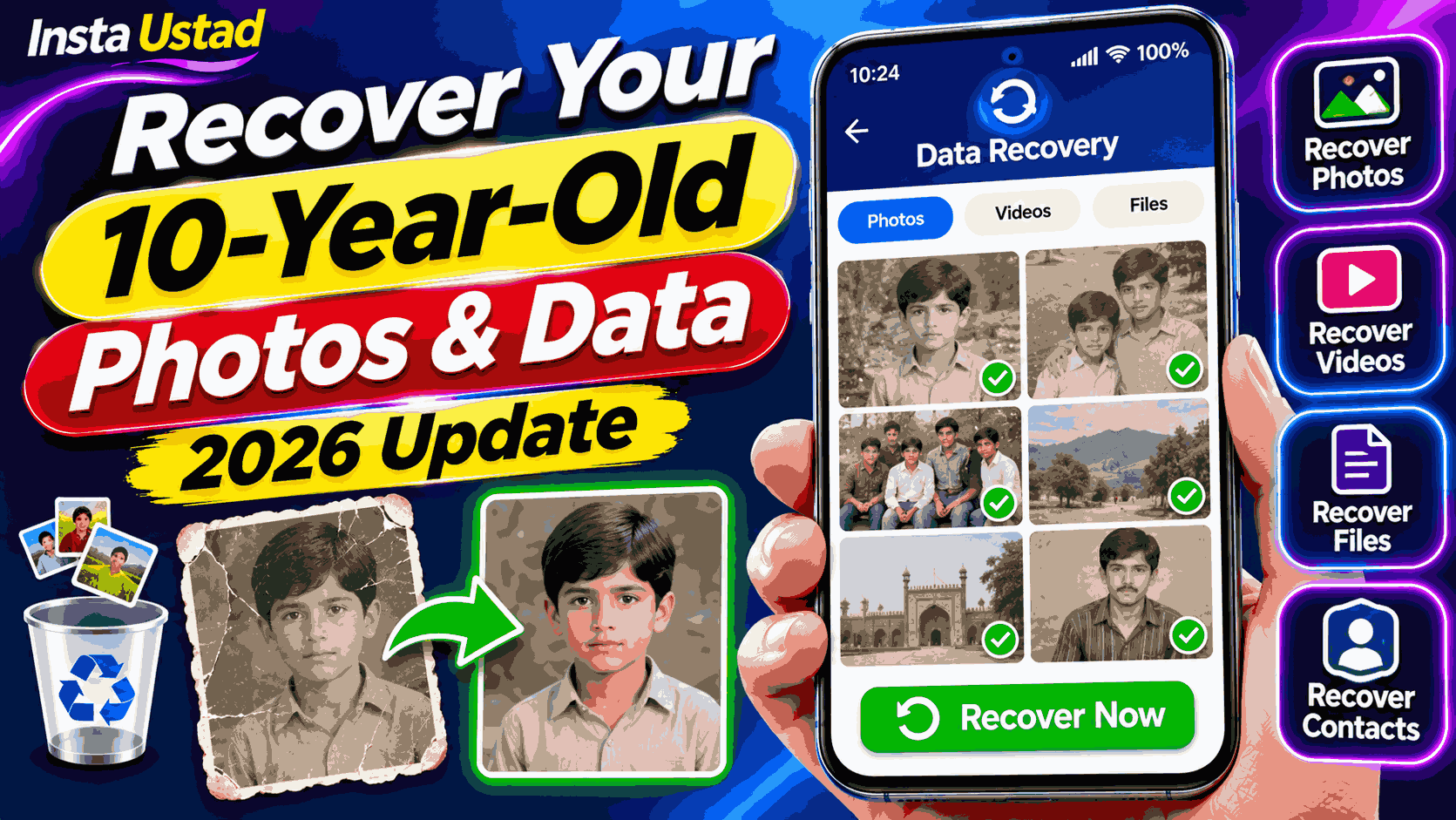
Have you ever accidentally deleted your favourite photos, videos, contacts, or important files from your smartphone? Maybe those pictures were taken 5 or even 10 years ago, and you thought they were gone forever.
The good news is that some old photos and files can still be recovered in 2026, depending on where they were stored and how they were deleted. You might find them in an old Google account, cloud backup, memory card, computer, or even an unused smartphone.
In this guide, we’ll explore practical ways to find and recover old photos and data from Android phones, iPhones, memory cards, and backups.
Important: No application can guarantee recovery of every deleted file, especially if the data has been permanently erased or overwritten.
1. Check Your Google Photos Account
If you used an Android smartphone several years ago, there’s a chance that your old pictures were backed up to Google Photos.
Many people change phones but continue using the same Google account. Their older pictures may still be available online.
Follow these steps:
- Open Google Photos on your smartphone.
- Sign in using your old Google account.
- Check the Photos section.
- Scroll through older dates and albums.
- Check the Archive section.
- Open the Trash section to see whether any deleted items are still available.
If you used multiple Google accounts, check each one separately.
Tip: Sometimes people remember the wrong Gmail account. Try the accounts you used on your previous smartphones.
2. Check Your Old Google Drive Backups
Your previous Android smartphone may have created backups containing useful information.
Depending on your backup settings and device, these backups may include:
- Device settings
- Contacts
- Call history
- SMS messages
- Supported app data
- Other backed-up information
Open your Google account and review its available backup information.
Keep in mind that a device backup does not necessarily contain every photo or video. Photos are often backed up separately through a photo backup service.
3. Recover Photos From Your Old Memory Card
Did you use a microSD card in your old smartphone?
If yes, check it carefully. Older phones often stored photos, videos, music, and documents directly on memory cards.
Follow these steps:
- Remove the memory card from your old phone.
- Insert it into a compatible card reader.
- Connect the reader to a computer.
- Open the memory card storage.
- Check folders such as DCIM, Pictures, Movies, and Downloads.
- Copy any available files to your computer.
If files are missing, you may try a reputable data recovery program that supports memory cards.
Important: Stop using the memory card if you suspect files were deleted. Saving new files can overwrite data that might otherwise be recoverable.
4. Use a Computer to Search for Old Photos
Sometimes old smartphone pictures are already stored on a computer or laptop.
Think about whether you ever connected your phone to a computer to transfer photos.
Check these locations:
- Pictures folder
- Downloads folder
- Desktop
- External hard drives
- USB flash drives
- Old phone backup folders
- Computer photo libraries
Also search for image file types such as JPG, JPEG, PNG, and HEIC.
You may discover old family pictures, travel memories, screenshots, and videos that you had completely forgotten about.
5. Check Your Old Smartphone
If you still have your previous smartphone, don’t throw it away just because you upgraded to a newer model.
Turn it on and check its internal storage.
Look inside common folders such as:
- DCIM
- Camera
- Pictures
- Screenshots
- Download
- WhatsApp Media
If the phone is working, transfer any available files to another device before resetting or updating it.
If the phone has a damaged screen but still works, a technician may be able to help access its data.
6. Recover Old WhatsApp Photos and Videos
Have you lost old pictures that someone sent you on WhatsApp?
You may still find them in your existing WhatsApp media folders or an older backup.
On Android, check these locations if they are available:
- Android/media/com.whatsapp/WhatsApp/Media
- WhatsApp Images
- WhatsApp Video
- WhatsApp Documents
Folder locations can vary depending on your Android version and WhatsApp installation.
You can also check your Google Drive WhatsApp backup settings. However, a backup may not contain every media file, especially if video backup was disabled.
Warning: Restoring an old WhatsApp backup can replace your current chat history with the backup’s contents. Before restoring anything, protect your current chats and understand which backup you are using.
7. Try a Data Recovery Tool for Memory Cards
If your memory card contains deleted photos, a computer-based recovery tool may help.
Some recovery tools can scan supported storage devices and search for deleted files.
The general process is:
- Connect your memory card to a computer.
- Open a trusted recovery program.
- Select the memory card.
- Start a scan.
- Preview any recoverable files.
- Save recovered files to a different storage device.
Never save recovered files back onto the same memory card during the recovery process.
Also, remember that recovery results depend on the card’s condition and whether deleted data has been overwritten.
8. Can You Recover Permanently Deleted Photos From Android?
This is one of the most common questions.
The answer depends on how the photos were deleted and where they were stored.
If the photos were backed up, you may be able to download them again. If they were stored on a removable memory card, recovery software may sometimes find deleted files.
However, recovering permanently deleted files from modern Android internal storage is much more difficult.
Modern smartphones use encryption and storage-management technologies that can make deleted data unrecoverable. Once the relevant storage space is reused or the encryption keys are no longer available, ordinary recovery apps cannot bring those files back.
So, be careful with applications promising to recover every permanently deleted photo with one tap.
9. Recover Old Contacts and Other Important Data
Photos are not the only important files people lose. You may also want to recover old phone numbers, contacts, documents, and messages.
Try these options:
Contacts: Check your Google Contacts account and any old SIM card.
Documents: Search Google Drive, computer backups, and external storage.
Messages: Check whether an old device or supported backup contains them.
Notes: Check the notes application and cloud account you used previously.
The more places you check, the better your chances of finding something useful.
10. Important Tips Before Recovering Old Data
Before trying any recovery method, follow these precautions:
- Stop using storage that may contain deleted files.
- Don’t install random recovery APKs.
- Avoid factory-resetting your old phone.
- Don’t format a memory card before scanning it.
- Save recovered files to another device.
- Keep a backup of your current data.
- Never share your Google password with an unknown recovery service.
If your old phone contains very important data and is physically damaged, a professional data recovery service may be a safer option.
Frequently Asked Questions
1. Can I recover photos deleted 10 years ago?
Possibly, if copies still exist in an old backup, memory card, computer, or cloud account. If the original data was permanently erased and overwritten, recovery may not be possible.
2. Can I recover old photos without a computer?
Yes, if they are available in Google Photos, cloud storage, or another online backup. Memory card recovery may be easier with a computer.
3. Can Android recovery apps recover permanently deleted photos?
Some apps can locate existing files, cached images, or recoverable data in certain situations. However, they cannot guarantee recovery of permanently erased files from modern encrypted internal storage.
4. Can I recover photos from a 10-year-old memory card?
It may be possible if the card is still readable and the deleted data has not been overwritten. A recovery scan may help.
5. Can I recover old WhatsApp pictures?
You may find them in WhatsApp media folders, old phone storage, or a previous backup, depending on your settings and backup history.
6. Does factory reset permanently delete all data?
A factory reset can make data recovery extremely difficult on modern encrypted smartphones. Do not reset an old phone before checking and backing up its files.
Final Words
Losing old photos and personal files can be disappointing, especially when they contain important memories. But before giving up, check your old Google account, cloud backups, memory cards, computers, and previous smartphones.
These are often the best places to find pictures and files from 5 or even 10 years ago.
Remember that recovery is never guaranteed. Avoid fake recovery applications and never trust services that promise to restore every deleted file instantly.
Keep visiting Insta Ustad for more Android tricks, useful technology guides, smartphone tips, and helpful apps!